When you’re testing and running local language models, the tools you use shape everything — from how easily you can get started to whether the model feels useful or frustrating. This article is about the tools I’ve tried so far, which ones I keep coming back to, and what worked or failed in my own test lab.
This isn’t a ranking. It’s more like a personal note from someone who actually sat down and made these tools run on real hardware.
The One I Use the Most: LM Studio
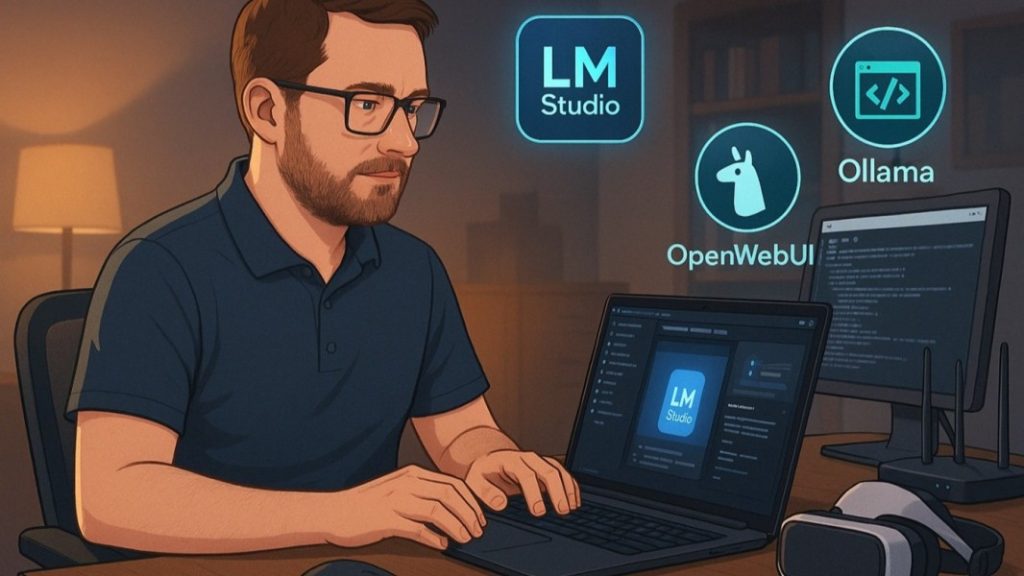
For now, LM Studio is the one I use the most — especially when working with BOLT. It’s not always the prettiest tool, but it works. Installation was smooth, I didn’t hit weird dependency issues, and once I got it up, it just ran.
The main reason I’ve stuck with LM Studio is that it plays nice with certain models that don’t work well elsewhere — like BOLT. I tried getting BOLT to work with OpenWebUI, but no luck. So, whenever I need a stable interface that doesn’t crash or freeze, I go back to LM Studio.
OpenWebUI: Clean and Familiar
That said, I also really like OpenWebUI. It gives that web-based frontend feel — more like ChatGPT in the browser. It’s clean, modern, and a lot of users will feel at home with it from the first click.
The UI really matters when you want to test quickly, copy-paste prompts, or browse your history. It’s especially good when you’re switching between models, or when you just want something that doesn’t look like a Python backend.
If OpenWebUI could run BOLT properly, I’d probably use it more often.
Other Tools I’ve Tried
I’ve also experimented with:
-
SillyTavern
-
Oobabooga WebUI
-
vLLM
They all have something unique to offer, but for my workflow, I didn’t keep using them long. Either the UI felt cluttered or the install took too much time. Some felt more like developer playgrounds than actual productivity tools.
Lessons Learned
If you’re just starting:
-
Go with LM Studio if you want quick stability.
-
Try OpenWebUI if you care about interface and usability.
Stay away from “feature overload” — tools that look powerful but make you spend hours figuring out where the settings even are.
Next up, how local AI can do more than just fun experiments.

Markku Arvekari
Digital Transformation Expert